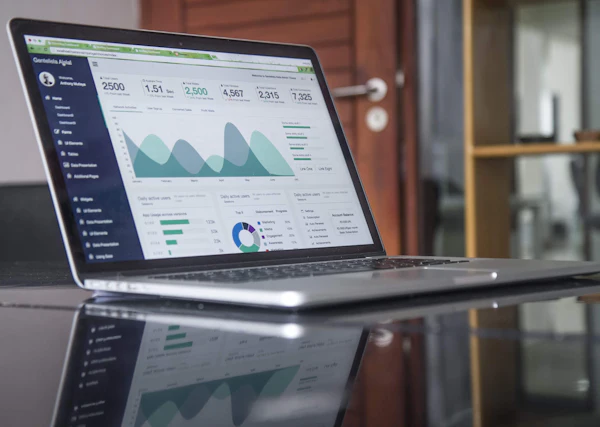
Motion graphics are animated text, shapes, icons, charts and logos used to communicate information. Use them when you need to explain a process, highlight numbers, brand a video or keep viewers engaged without filming anything new.
Motion graphics sit between graphic design and animation. Instead of animating characters, they animate information.
Where Do Motion Graphics Work Best?
- Titles and lower thirds that introduce speakers and topics.
- Logo animations for intros and outros.
- Data and charts that turn numbers into something viewers remember.
- Explainers that walk through a process step by step.
- Social posts built from text and graphics alone.
Why Use Motion Graphics Instead Of Footage?
Some ideas can't be filmed: a workflow, a software process, an abstract benefit. Motion graphics make those visible. They also help when you don't have footage, or when you need to update a video later without reshooting.
How Do You Keep Them On Brand?
- Use your brand fonts and colors consistently.
- Create a small set of reusable templates for titles and lower thirds.
- Keep animation style consistent: the same easing, speed and transitions.
What Do You Need To Provide?
Your logo files (vector if possible), fonts, brand colors, the script or text, and any data you want visualized. A reference or two helps define the style.
Want Your Videos To Look More Polished?
We design titles, lower thirds, logo animations and explainer graphics that match your brand. Book a free call and we'll talk through your project and next steps.
Frequently Asked Questions
Are motion graphics the same as 2D animation?
They overlap. Motion graphics usually focus on text, shapes and data, while 2D animation can also include characters and scenes.
Can you build reusable templates?
Yes. Branded title and lower-third templates keep future videos consistent.
What file types should I send?
Vector logos (SVG, AI or EPS), font files and your brand color codes are ideal.